What Is AutoCAD Software? Uses, Features & Practical Examples

December 18, 2025 2025-12-18 17:50What Is AutoCAD Software? Uses, Features & Practical Examples

What Is AutoCAD Software? Uses, Features & Practical Examples

AutoCAD is a computer-aided design (CAD) software used to create 2D drawings and 3D models. Developed by Autodesk, it is one of the most widely used design tools across engineering, architecture, manufacturing, and construction. This guide explains what AutoCAD is, what it is used for, key features, and why it remains the industry standard in 2025.
Table of Contents
What Is CAD?
Before we dive deeper into AutoCAD, let’s take a quick moment to understand CAD itself—especially if you’re a beginner. CAD stands for Computer-Aided Design, and it simply refers to using software to create accurate 2D drawings or detailed 3D models.
Instead of sketching everything by hand, CAD tools help designers, engineers, and architects work faster, avoid errors, and visualize ideas more clearly. AutoCAD is one of the most widely used CAD tools, which is why many beginners start their design journey here.
Understanding AutoCAD Software
AutoCAD Software is a computer-aided design (CAD) tool that enables professionals to create precise 2D drawings and 3D models. It provides the digital platform necessary to draft and design complex structures and components with accuracy and efficiency. Initially released in 1982, AutoCAD has undergone numerous updates and improvements, maintaining its place as a leader in the CAD industry.
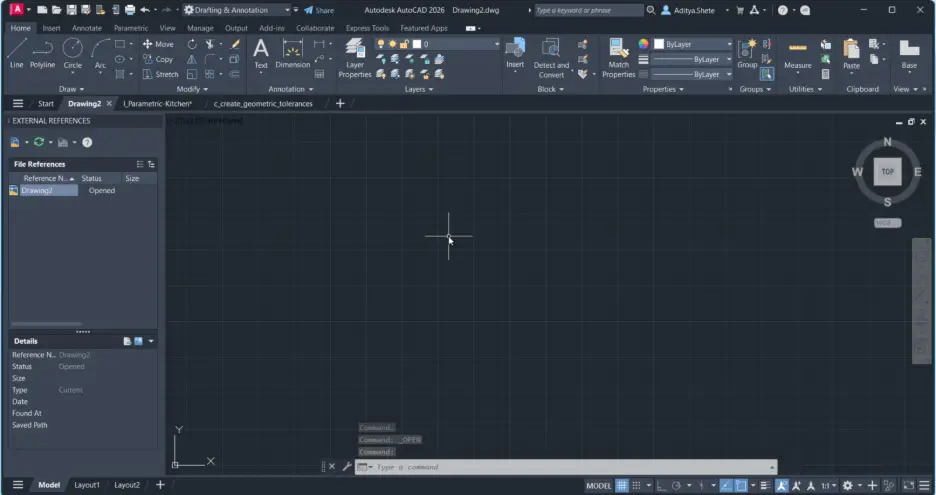
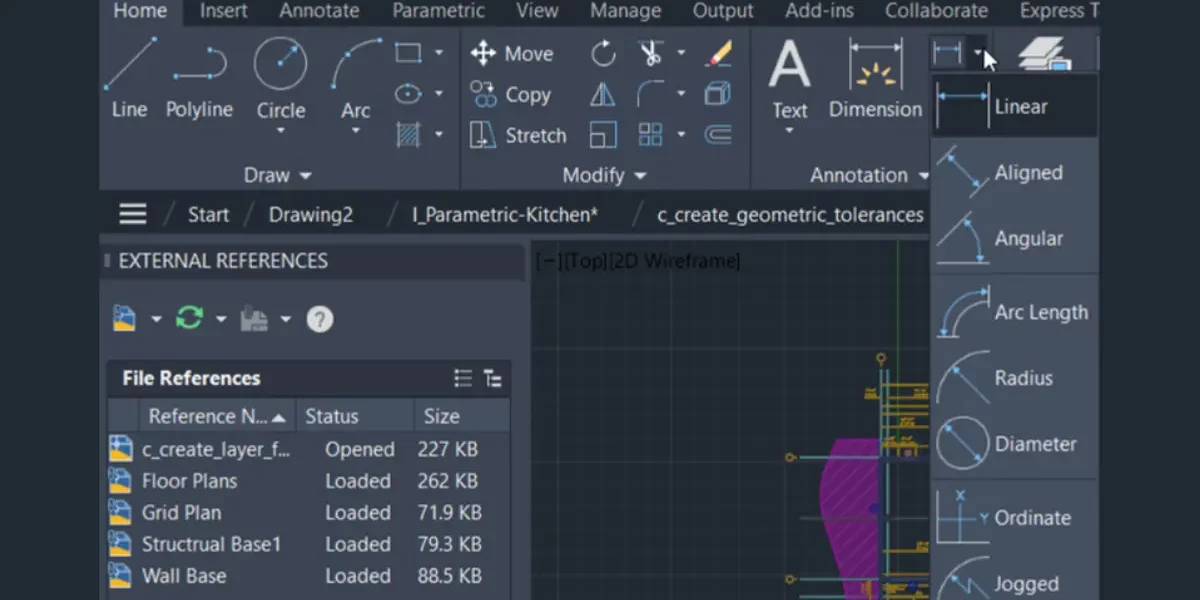
From basic sketching to advanced surface modeling, AutoCAD offers a wide range of features that support various design processes. The software includes powerful tools for drafting, annotation, and customization, making it adaptable to the specific needs of different professions. It also allows for enhanced collaboration and integrates seamlessly with other Autodesk tools, streamlining workflows across project stages.
What is AutoCAD Used For?
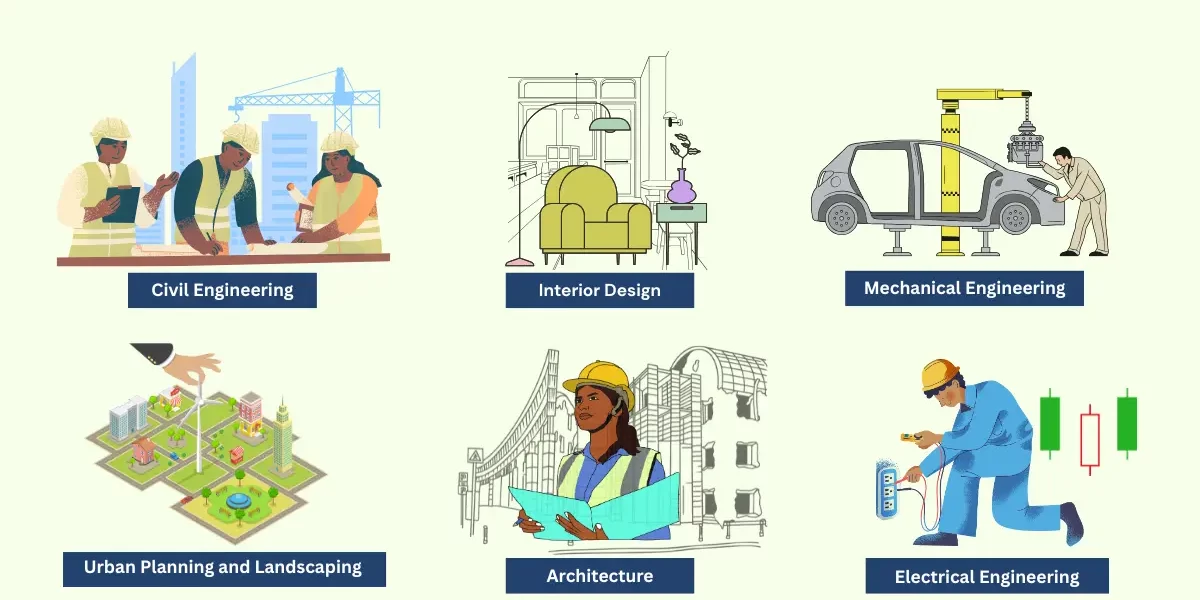
One of the most common questions for beginners and professionals alike is: what is AutoCAD used for? AutoCAD is used for a variety of purposes across multiple sectors:
- Architecture: To draft floor plans, elevations, sections, and construction details.
- Mechanical Engineering: For designing machine components, assemblies, and mechanical systems.
- Electrical Engineering: To create wiring diagrams, circuit layouts, and panel schematics.
- Civil Engineering: For road design, topographic maps, drainage systems, and structural layouts.
- Interior Design: To develop space planning layouts, furniture arrangements, and decorative elements.
- Urban Planning and Landscaping: For mapping urban infrastructure and creating landscape designs.
Essentially, any field that requires precision in design and documentation can benefit from using AutoCAD.
What is AutoCAD Designing?
Now that we’ve seen its applications, you might wonder: what is AutoCAD designing specifically? AutoCAD designing refers to the process of using the software to create detailed drawings, plans, and models that serve both conceptual and construction purposes.
Designing in AutoCAD includes: – Creating accurate geometry – Defining dimensions and tolerances – Adding annotations and notes – Organizing information using layers – Rendering 3D models for visualization – Incorporating real-world materials and lighting effects
It enables designers to convert ideas into detailed visual representations that can be manufactured or constructed. Whether it’s the initial sketch or the final technical drawing, AutoCAD ensures that each design element is meticulously crafted.
Why Should You Learn AutoCAD in 2025?
With industries shifting toward digital design and automation, AutoCAD skills remain highly valuable. Today, most engineering, architecture, and manufacturing workplaces rely on CAD tools for accurate drawings, modeling, and documentation. AutoCAD continues to be one of the most trusted software choices across these fields.
Whether you’re entering architecture, mechanical engineering, civil design, manufacturing, or product development, AutoCAD is often the first tool employers expect you to know. It’s a foundational software that helps you understand technical drawings, build confidence in design, and eventually transition into more advanced design tools or specialized CAD platforms.
Key Features of AutoCAD Software
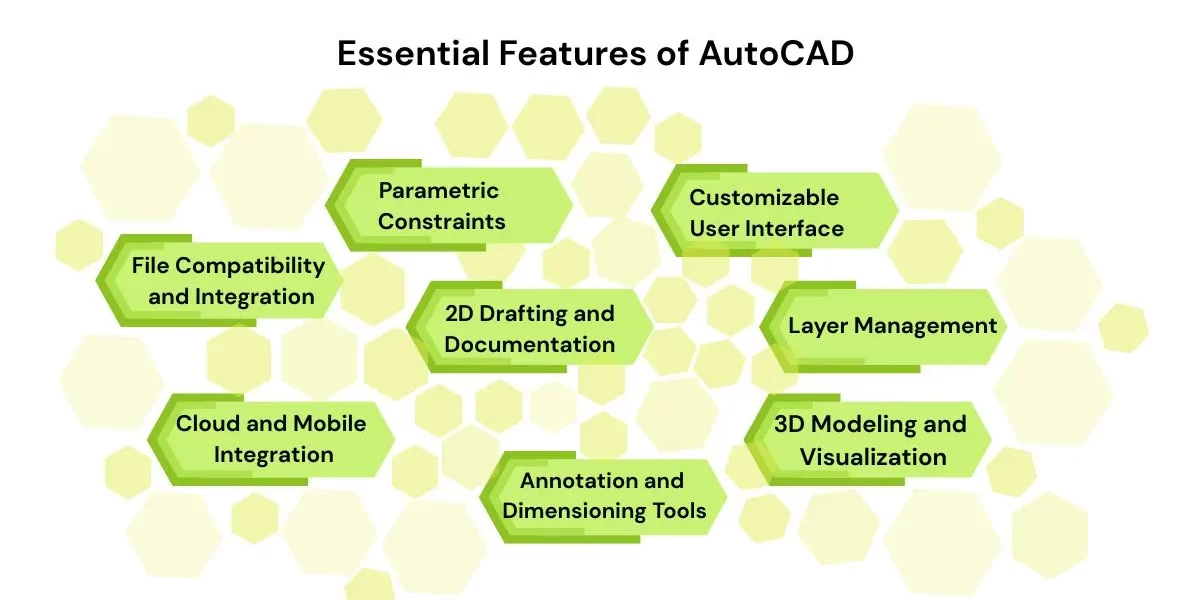
AutoCAD Software comes packed with a variety of tools and functionalities:
1. 2D Drafting and Documentation
AutoCAD allows users to create floor plans, technical drawings, and diagrams using lines, arcs, circles, and more.
2. 3D Modeling and Visualization
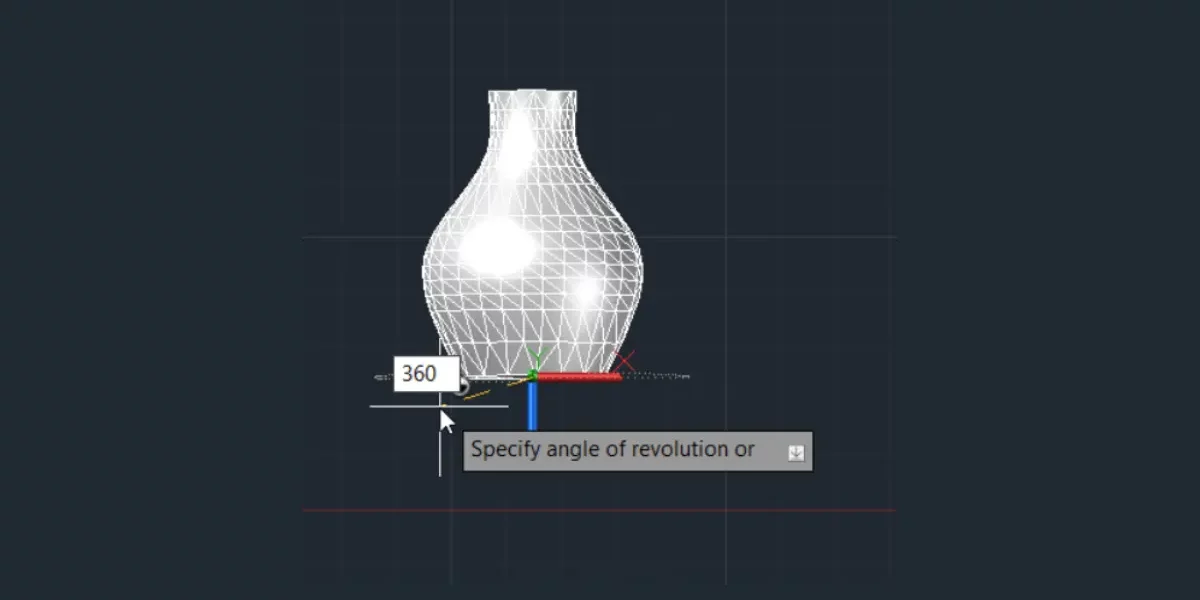
From wireframes to solid modeling, AutoCAD enables the creation of realistic 3D models that can be rendered and rotated in real-time.
3. Annotation and Dimensioning Tools
Add measurements, labels, notes, and other annotations to your designs for better clarity and communication.
4. Customizable User Interface
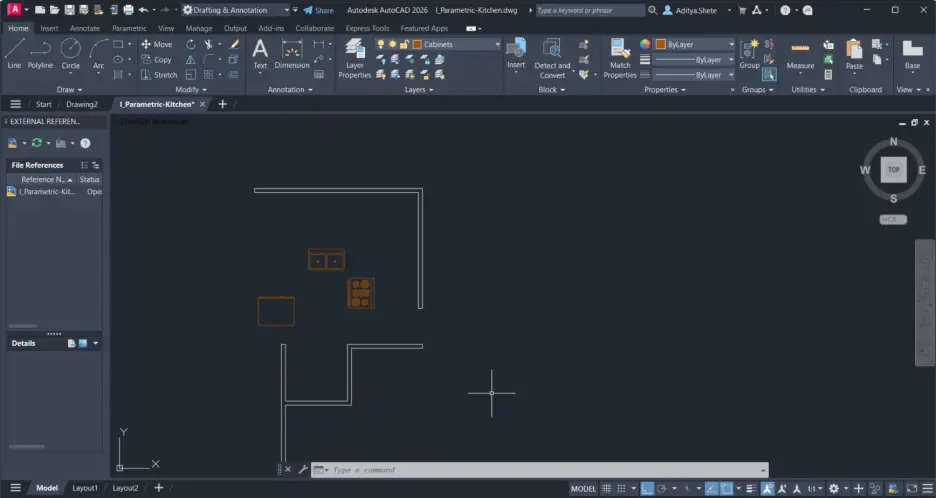
The workspace in AutoCAD can be tailored with tool palettes, shortcuts, and templates for greater efficiency.
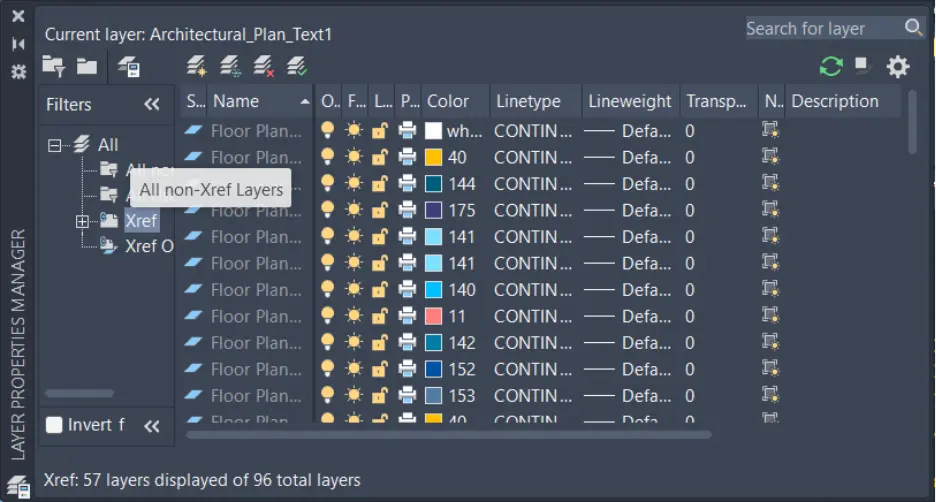
5. Layer Management
Organize your design elements with layers, making it easier to manage complex drawings and control visibility.
6. File Compatibility and Integration
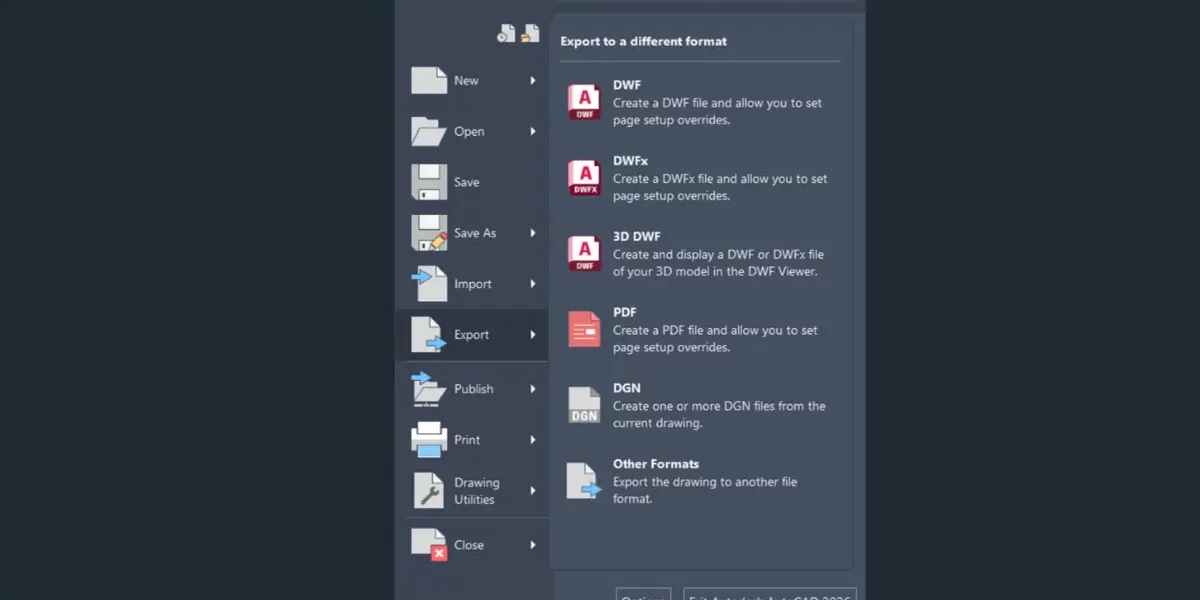
AutoCAD supports a wide range of file formats like DWG, DXF, and PDF, making it easy to collaborate with other software.
7. Cloud and Mobile Integration
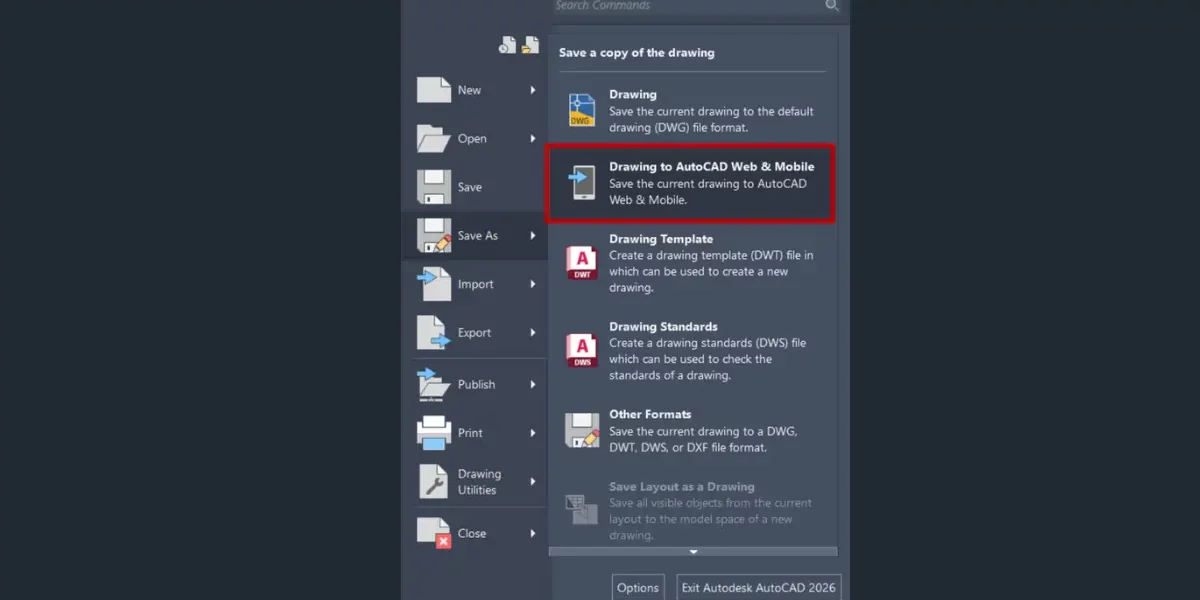
Access your files anytime, anywhere using AutoCAD web and mobile apps. Save and sync your projects to cloud storage for real-time updates.
8. Parametric Constraints
Maintain geometric relationships between objects with constraints that ensure consistency and accuracy throughout your design.
You may also like: Engineering CAD Drawing Views: Learn Basics, Types & Examples
Real AutoCAD Project Examples
Below are real mechanical design examples created using AutoCAD. These drawings represent typical final outputs used in manufacturing, assembly, and mechanical engineering workflows.
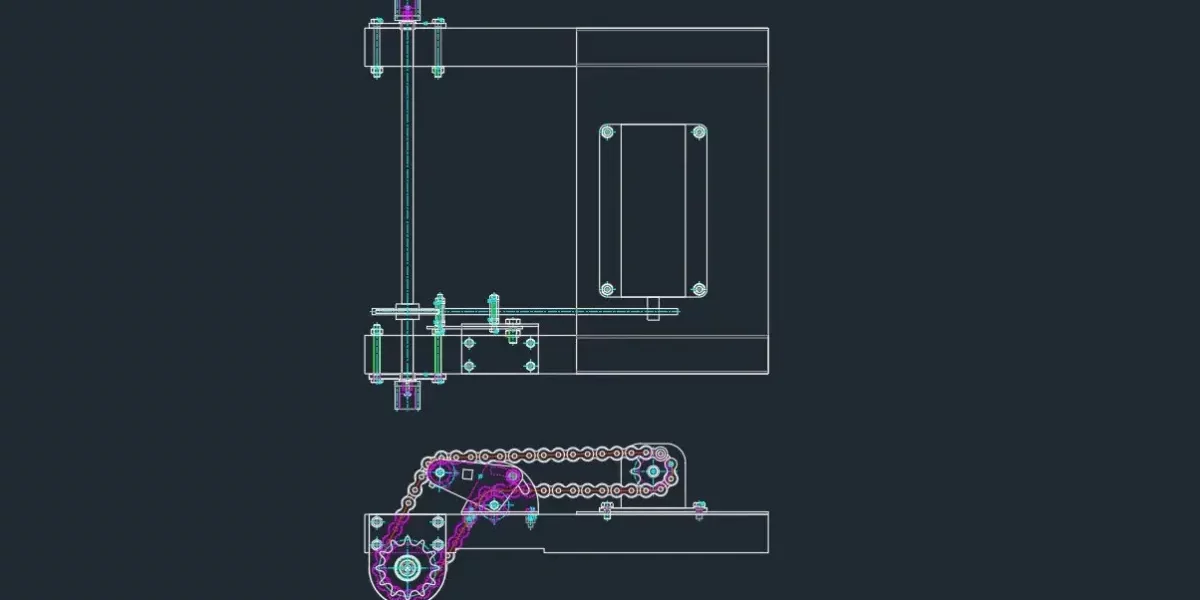
Mechanical Assembly Layout Drawing (Chain and Sprocket Mechanism) – AutoCAD
This AutoCAD drawing represents a mechanical assembly layout of a chain and sprocket mechanism. Such drawings are used to plan component positioning, motion paths, and assembly relationships. AutoCAD is commonly used to create these layouts as final reference drawings for machine fabrication and installation.
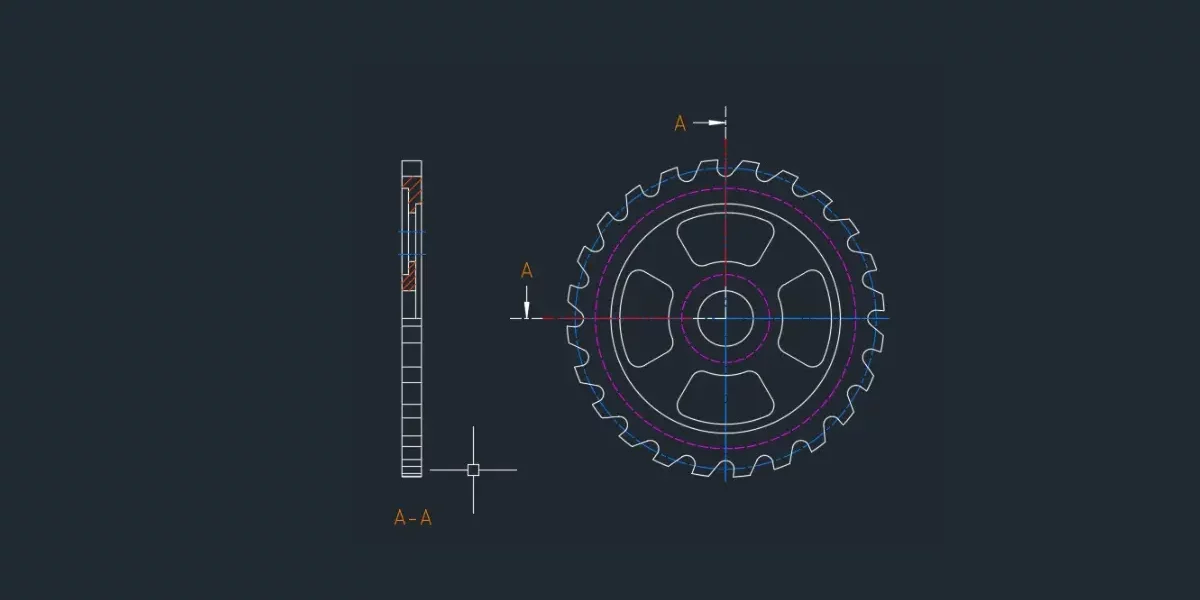
2D Mechanical Component Drawing (Gear / Sprocket) with Section View – AutoCAD
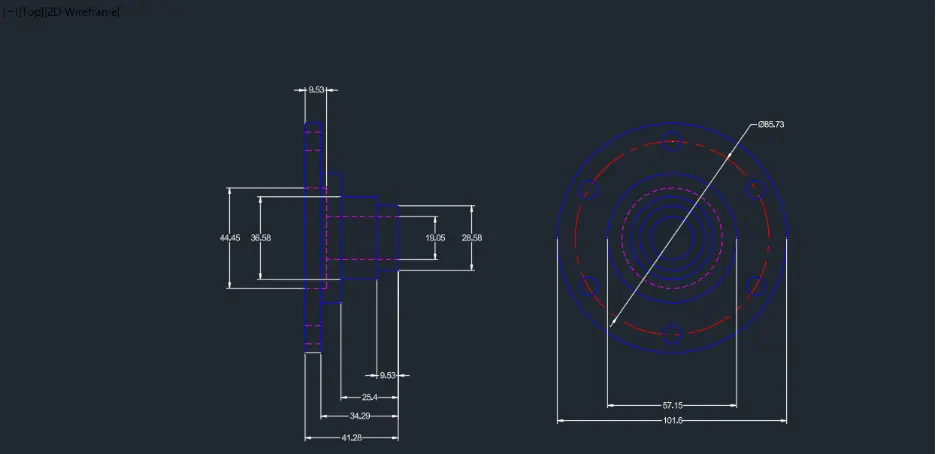
This AutoCAD drawing represents a detailed 2D mechanical component with a sectional view (A–A) to clearly show its internal features. Such drawings are commonly used as final deliverables in manufacturing and machining processes, where precision, accurate geometry, and clear documentation are essential. AutoCAD is widely used to create these component drawings for production and inspection.
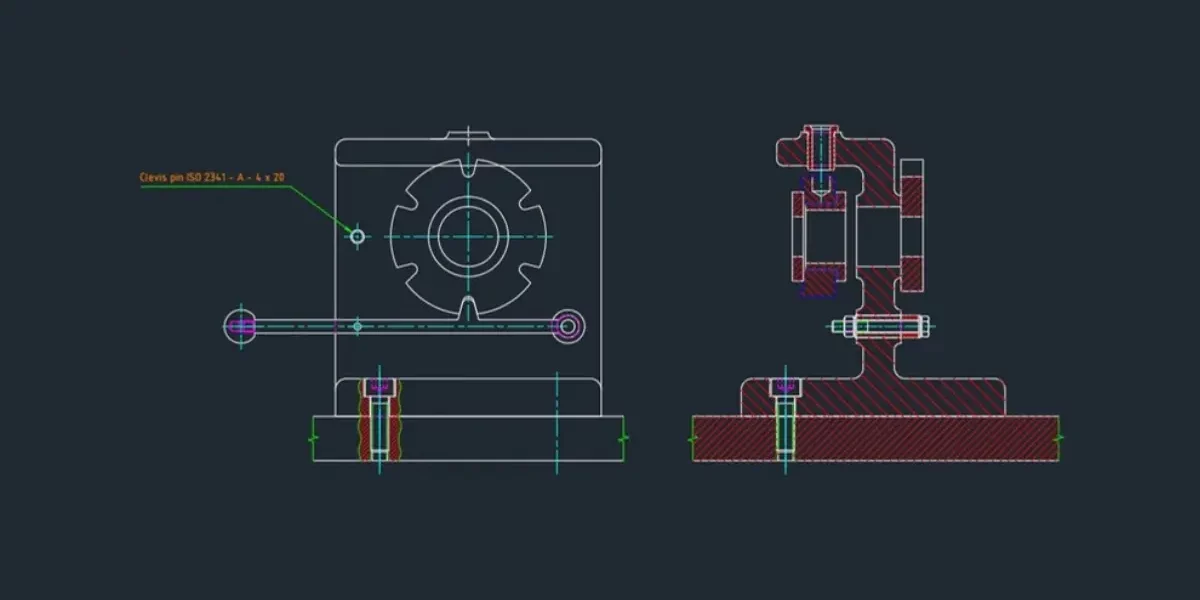
Mechanical Assembly Drawing with Section View (AutoCAD)
This AutoCAD drawing represents a mechanical assembly with a sectional view used to clearly show internal components and their arrangement. Section views are essential in mechanical drawings to explain how parts fit and function inside an assembly. Such AutoCAD drawings are commonly used as final deliverables for manufacturing, assembly, and quality inspection.
AutoCAD in Education and Training
As industries continue to move toward digital design and automation, AutoCAD has become an essential skill for students and professionals alike. Many educational institutions offer courses in AutoCAD to prepare students for careers in design and engineering.
Online platforms, tutorials, and forums offer accessible resources for beginners, making it easier than ever to learn the basics and advance to complex projects. Interactive training modules, hands-on practice exercises, and simulation tools help learners build real-world experience.
Benefits of Using AutoCAD Software
- Precision and Accuracy: AutoCAD allows you to work with exact measurements and tolerances.
- Time Efficiency: Speed up the design process with reusable blocks, templates, and commands.
- Professional Output: Create clean, industry-standard documentation ready for manufacturing or construction.
- Improved Collaboration: Easily share and edit files with teams, clients, and stakeholders.
- Versatility: Suitable for various disciplines, from architecture to product design.
- Enhanced Visualization: Use 3D rendering and walkthroughs to better present your design ideas.
Want More CAD Tutorials?
If you’re enjoying this guide and want to explore more CAD tools, we’ve got something for you. On our i GET IT by Tata Technologies YouTube channel, we share easy, step-by-step videos on AutoCAD, CATIA, NX, SOLIDWORKS, Inventor, and many other design tools. Whether you’re just starting out or looking to upgrade your engineering skills, you’ll find plenty of quick, practical tutorials to learn from.
Check out more tutorials and learning videos on our YouTube channel
AutoCAD for Different Industries
Architecture
AutoCAD is essential in drafting architectural layouts, structural details, and design blueprints. Architects use it to visualize building components, perform area calculations, and produce construction documentation.
Engineering
Engineers rely on AutoCAD to design machinery, piping systems, HVAC layouts, and structural components. The ability to switch between 2D and 3D views enhances precision and clarity.
Construction
Contractors and construction managers use AutoCAD for quantity takeoffs, estimating materials, and coordinating design changes across teams.
Manufacturing
AutoCAD is used to draft product designs, manufacturing instructions, and CNC-compatible drawings. Its parametric tools ensure design consistency and production readiness.
Graphic and Industrial Design
Even outside traditional engineering roles, AutoCAD Software is used for creating conceptual visuals and detailed prototypes in industrial and product design.
AutoCAD vs. Other CAD Tools
While there are other CAD tools available like SolidWorks, Revit, and Fusion 360, AutoCAD remains a go-to choice for many professionals due to its versatility and long-standing reliability.
- AutoCAD vs. Revit: Revit is more focused on Building Information Modeling (BIM), whereas AutoCAD offers broader applications.
- AutoCAD vs. SolidWorks: SolidWorks is ideal for mechanical design in 3D, while AutoCAD is excellent for 2D drafting and multi-discipline design.
- AutoCAD vs. Fusion 360: Fusion 360 integrates CAD, CAM, and CAE in a single platform, but AutoCAD still excels in traditional drafting and architectural detailing.
Future of AutoCAD
As technology evolves, AutoCAD continues to integrate advanced capabilities such as cloud storage, real-time collaboration, and mobile access. Autodesk is also actively investing in AI-assisted design to streamline workflows and reduce repetitive manual tasks. According to Autodesk’s official AI strategy, artificial intelligence and automation are expected to play a major role in the future of CAD and design software.
Other future-focused developments include:
Generative Design: Automatically create multiple design alternatives based on defined parameters.
Extended Reality (XR): Integration of AR and VR technologies for immersive design and review experiences.
Automation Scripts: Use AutoLISP and other scripting tools to automate repetitive tasks and improve productivity.
The continued development of these technologies ensures that AutoCAD remains relevant and powerful in the face of changing industry needs.
👉 “Autodesk’s official AI strategy” to the Autodesk article.
Conclusion
So, what is AutoCAD? It’s a comprehensive design and drafting software that supports professionals across a wide range of industries. Whether you’re creating architectural plans, mechanical components, or electrical layouts, AutoCAD provides the tools needed to turn your ideas into reality.
By understanding what is AutoCAD used for, what is AutoCAD designing, and the capabilities of AutoCAD Software, users can better leverage its features to enhance productivity and precision in their projects. As the design world moves forward, AutoCAD will undoubtedly remain a critical tool in the digital toolbox of engineers, architects, and designers around the globe.
Whether you’re a student exploring career paths, a professional expanding your skillset, or a business looking to adopt cutting-edge tools—AutoCAD remains a reliable and future-proof choice for all your design and drafting needs.
Need Help Getting Started with AutoCAD or Your Career Path?
If you’re exploring AutoCAD, planning your design career, or looking to upskill with the right guidance, our team is here to help.
Whether you need clarity on software learning paths, certification suggestions, or career direction in design and engineering—we’re always happy to assist.
Connect with our learning advisors anytime and get personalized guidance designed for your goals.
FAQs
AutoCAD is a computer-aided design (CAD) software used to create 2D drawings and 3D models. It is widely used in engineering, architecture, manufacturing, product design, and construction.
Yes. AutoCAD is beginner-friendly because it has simple commands, tutorials, and a clean interface. Most engineering students start with AutoCAD before learning advanced tools.
AutoCAD mainly uses .dwg and .dxf files.
DWG = native drawing file
DXF = used for sharing drawings across different CAD software
No. AutoCAD supports both 2D drafting and 3D modeling (solids, surfaces, and mesh designs).
Layers help you organize drawings by separating objects into categories. You can control color, line type, and visibility of each layer to keep drawings clean and professional.
Line creates single independent segments.
Polyline creates a connected series of segments that act as one object.
Yes. AutoCAD offers tools for creating solid models, surface models, mesh objects, and 3D rendering.
Basic computer handling, understanding of engineering drawings, and familiarity with measurements are enough to get started. Practice and command shortcuts help you become faster.
Explore AutoCAD Courses & Certifications by Tata Technologies
i GET IT by Tata Technologies provides industry-aligned AutoCAD programs, including AutoCAD, AutoCAD Mechanical, and AutoCAD Electrical.
View AutoCAD CoursesContact UsAditya Shete
Related Posts
Independent Front Wheel Suspension – Types, Benefits & Working
What is PLM? – Product Lifecycle Management [Detailed Guide]
Lead-Acid vs. Lithium-Ion Batteries: Key Differences & Best Uses
Top AutoCAD 3D Commands & Shortcuts with Examples
What is Engineering Mechanics? – Introduction 101
Find
Categories
Latest Posts
What Is AutoCAD Software? Uses, Features & Practical Examples
December 18, 2025Independent Front Wheel Suspension – Types, Benefits & Working
November 10, 2025What is PLM? – Product Lifecycle Management [Detailed Guide]
October 9, 2025Popular Tags